
Try Components V2
Components V2 lets you arrange text and other message parts as a layout. It is a different message format from Legacy, not an extra layer on an embed.
- Open the Components V2 example. It becomes a new editable local Kit.
- Edit the heading and opening hours.
- Select the container to change or clear its accent color.
- Use an insertion point to add a Section. Write its text, then choose Button or Thumbnail for the accessory slot.
- For a button you can send through a normal webhook, open Configure, choose Link, and enter its label and full website URL.
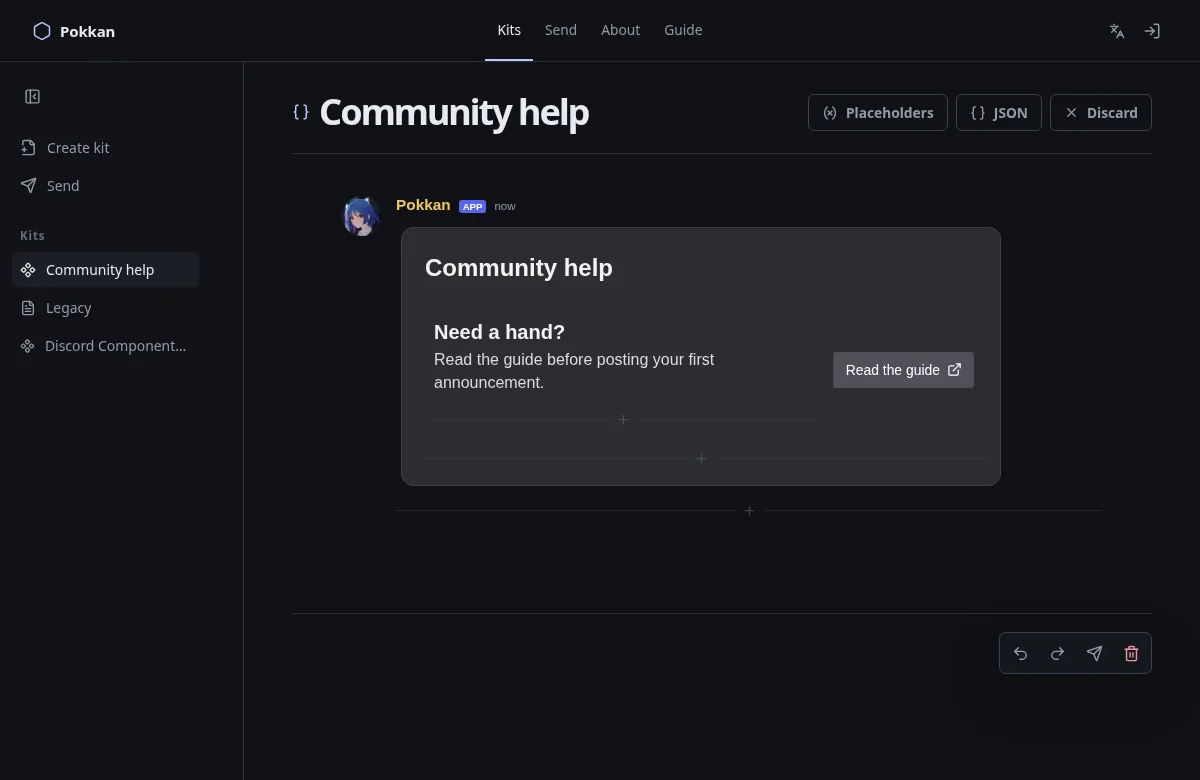
Confirm that validation no longer reports an unfinished Section. Its accessory is separate from its text children.
V2 does not use Legacy embeds or polls. For those, create a Legacy Kit instead. Keep a copy before changing an existing message’s format.