Create your first message
You will make a short announcement. You only need a browser; leave Discord open for the later sending step.
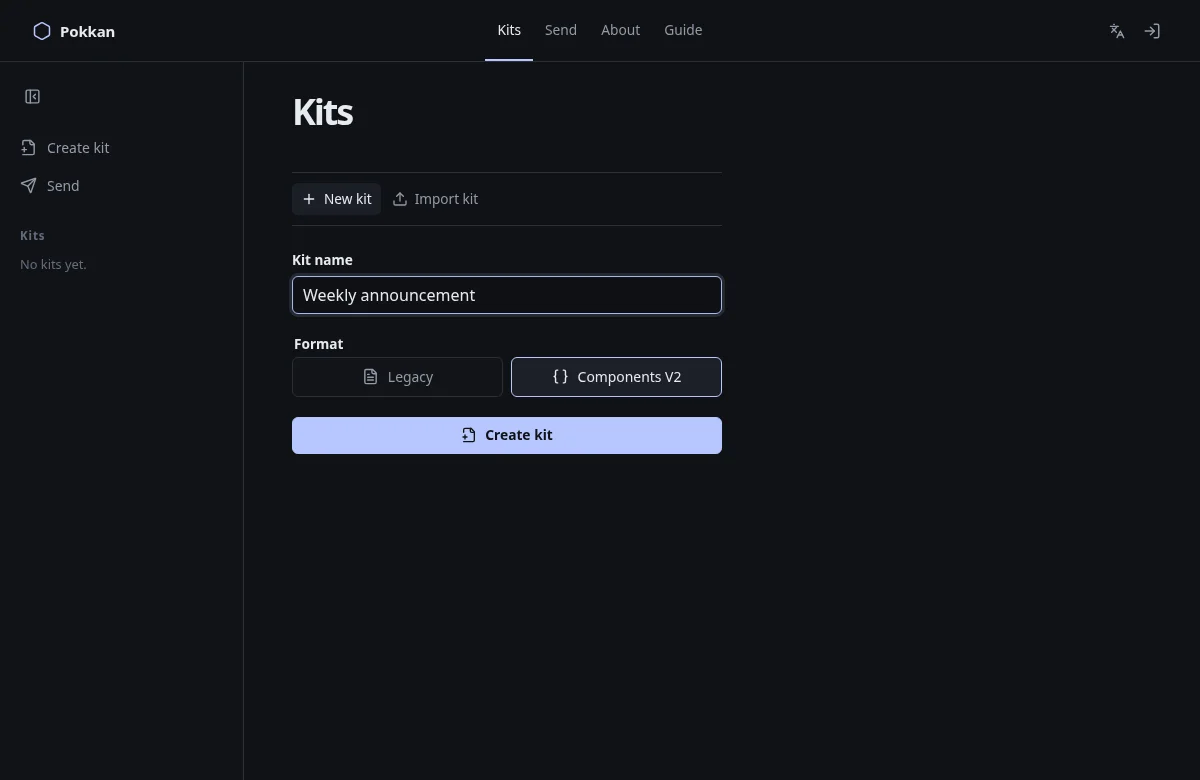
- Open Kits.
- Give your Kit a name, such as Weekly announcement. This name helps you find your work; it is not part of the message sent to Discord.
- Choose Legacy for this first message. It supports ordinary message text, embeds and polls.
- Choose Create Kit.
- Click or tap the message text in the preview and replace it with your announcement. Click outside the text to finish editing.
You should now see your own text in the message preview. Undo is available in the editor dock if you change the wrong thing.
If nothing happens, check that you entered a Kit name. If you chose Components V2 instead, you can still edit its Text Display directly; the format uses different building blocks.
Your draft is kept in this browser. Do not clear browser storage if you want to keep an unsaved draft.
Next: Understand the editor →