
Create a Discord webhook
A webhook is a special Discord link that lets Pokkan post a message to a particular channel. You do not need to install a bot for this.
Before you start
Section titled “Before you start”Use a server where you have Manage Webhooks permission. Start with a text channel used for testing. Discord’s desktop app or browser interface is the easiest place to manage webhooks.
- In Discord, open the server’s settings.
- Open Integrations, then Webhooks.
- Choose New Webhook, or open an existing webhook you are allowed to use.
- Give it a recognizable name and select the destination channel.
- Save any changes and choose Copy Webhook URL.
- In Pokkan, open Send, choose your Kit and paste the link into Webhook URL.
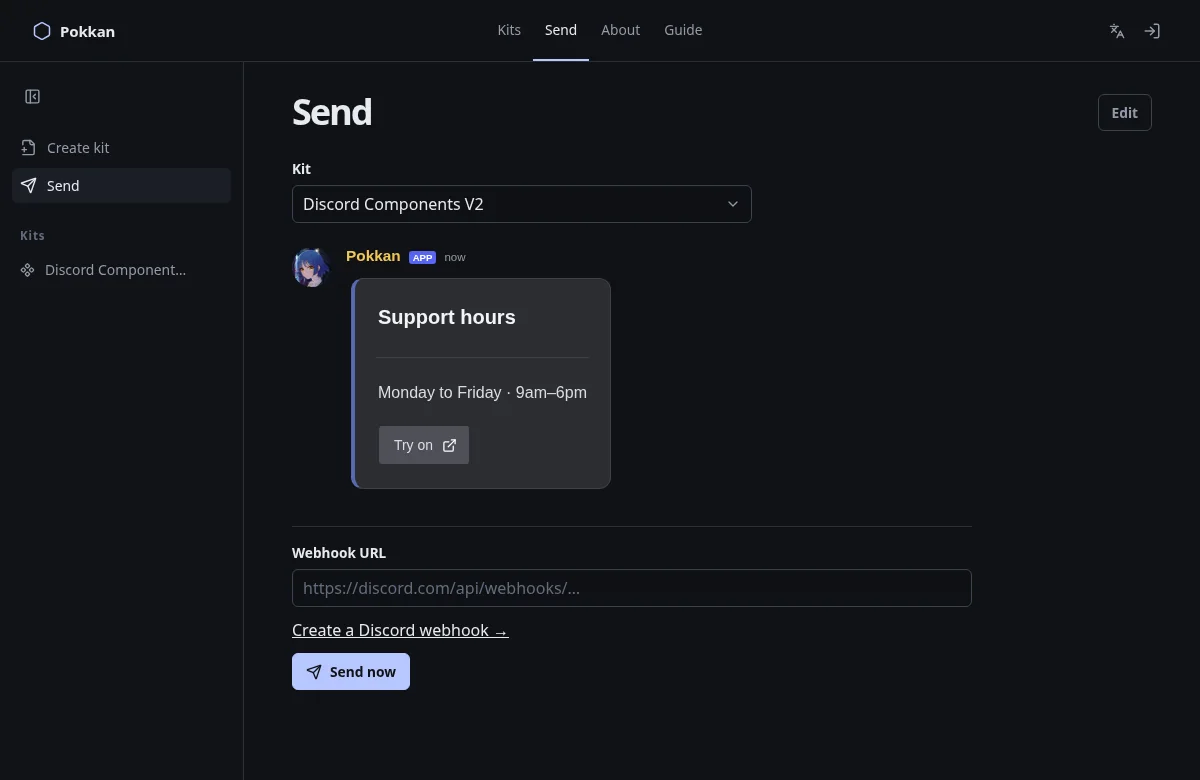
Keep that link private. Anyone who has it can use the webhook. Never put it in your message, Kit name, screenshot, public repository or support request. If you expose it, delete/recreate the webhook in Discord and use the new link.
If Webhooks is missing, check your permissions with an administrator. Copy the webhook URL, not the channel link or server invite. After pasting, check the channel in Discord before sending.
Discord’s official webhook guide includes screenshots of its current settings interface. Discord labels can differ by language and client version.
Next: Send your message →