
Sections
この記事はまだ英語です。入門ガイドとWebhookの作成手順は日本語で読めます。
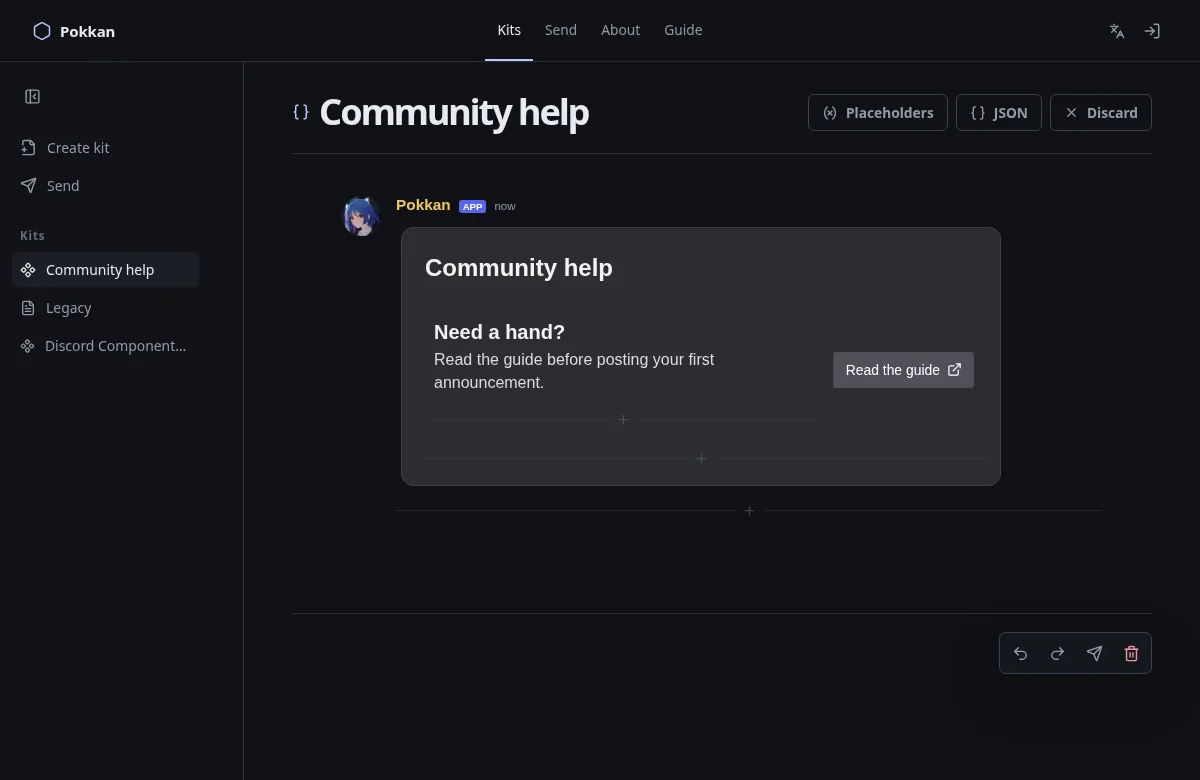
A Section places text beside one accessory. It is useful for an event summary with a link, or a short description beside a small image.
In Pokkan, add the Section at a V2 insertion point. Write its text, then choose Button or Thumbnail in the accessory slot. There is no automatic image: the slot stays visibly incomplete until you choose.
A Section needs one to three Text Displays and exactly one supported accessory. The accessory is separate from the text list. Replace it directly when changing from Button to Thumbnail or back; replacement creates the new component rather than translating unrelated properties.
If you delete the final text item, the Section and its accessory remain. Add text again to complete it, or delete the Section explicitly.
Official reference: Sections.