
Add text and an embed
Este artigo ainda está em inglês. O guia inicial e as instruções para criar um webhook já estão disponíveis em português.
An embed is a grouped block below a message, useful for an announcement with a heading and a few details. Start with a Legacy Kit.
- Write a short introduction in the message text.
- Open the insertion point for Legacy content and choose Embed.
- Edit the embed’s title and description directly in the preview.
- Select the embed and use its color control if you want an accent. Clearing the color leaves it unset.
- Open Configure for properties such as the title’s URL or image URLs.
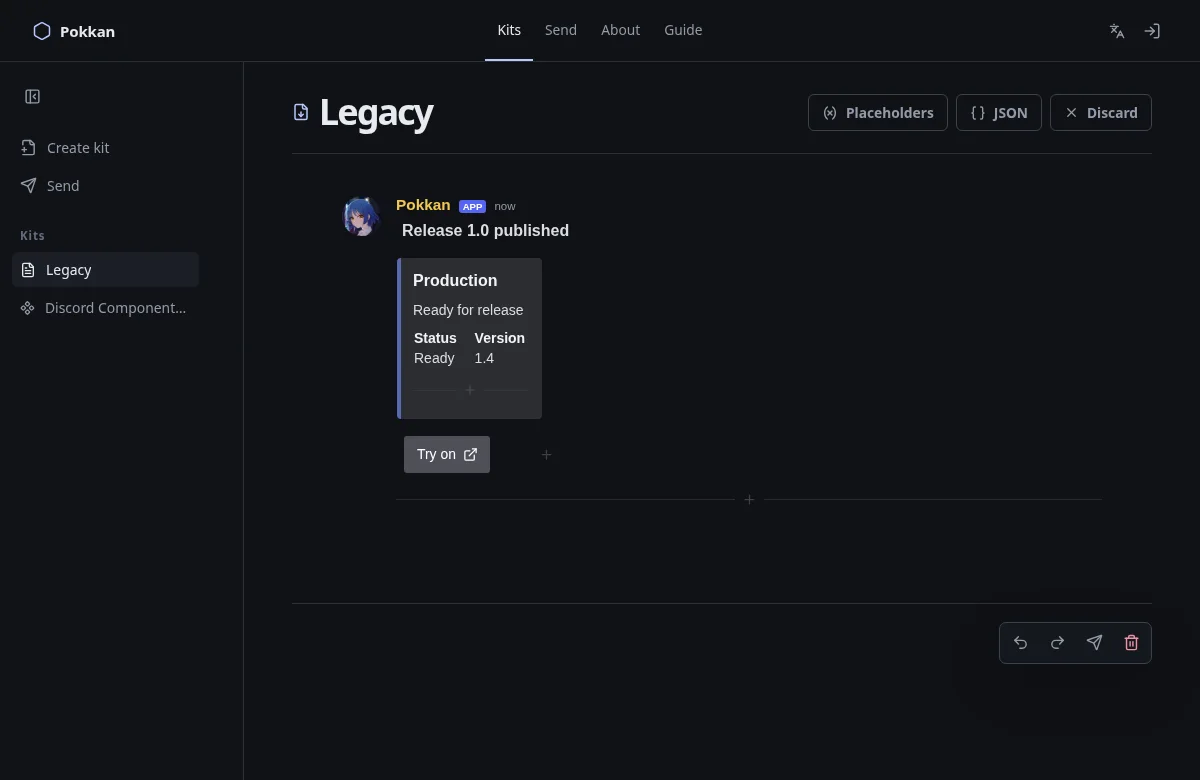
The preview should show one message with your introduction above the embed. Use fields for short pairs of headings and values. An inline field can sit next to another field when there is room; long content and narrow screens change wrapping.
An image URL needs to point to an image the browser can load. Pokkan does not upload files here. A webpage URL is often not an image URL.
Next: Try Components V2 →